A café menu in the language of an app store
Every item is an app: a rounded icon, stars and a price button. The page opens with an editorial «Today» card, categories sit side by side like app icons and the top chart is ranked only by real guest ratings. Tapping a price fills a ring like a download and the item goes to the order queue in the account sheet.
Made for cafés and young brands that want a familiar, polished menu
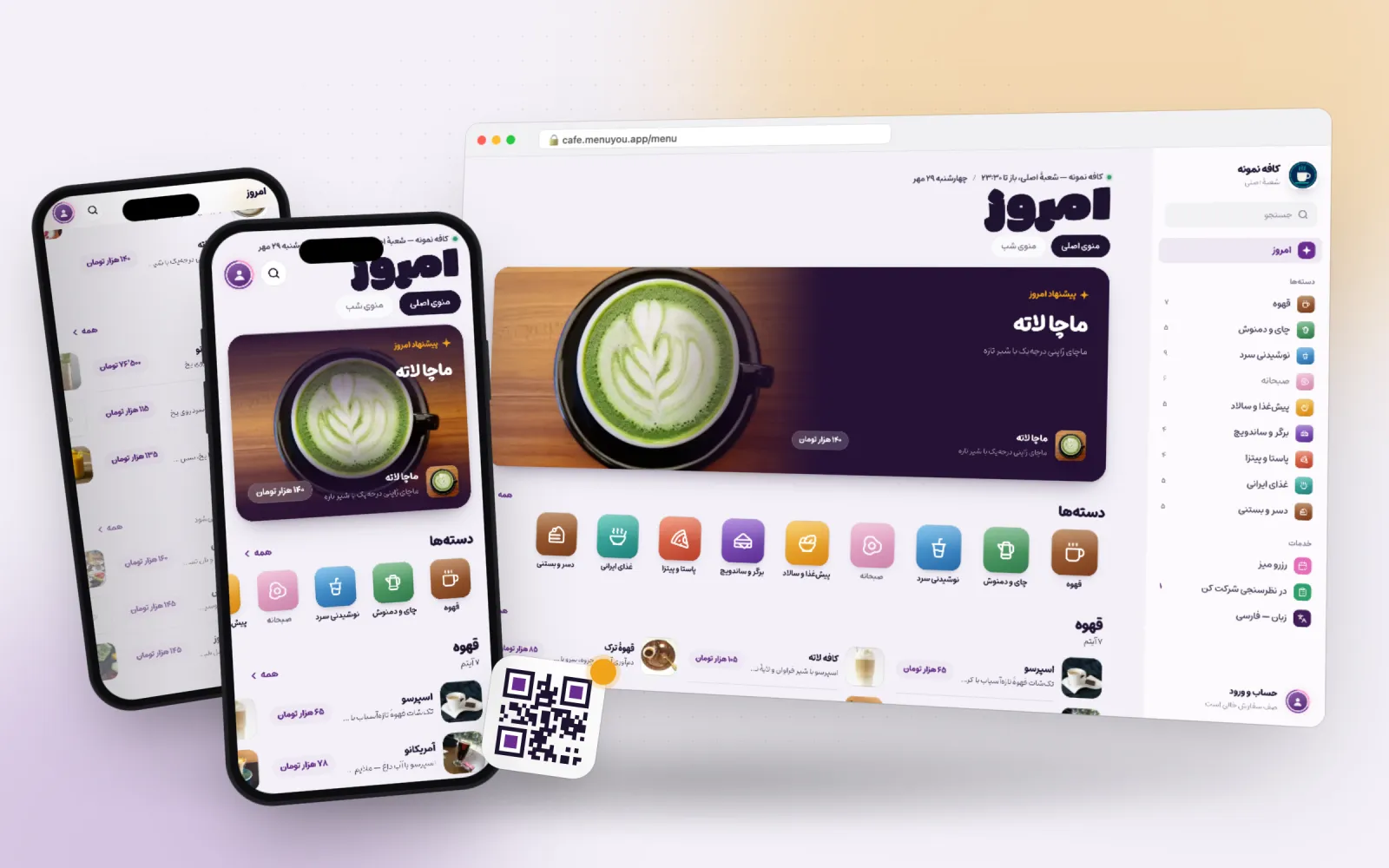 Live preview
- Primary
- Accent
- Background
- Card
- Text
- Line
Not a picture — the menu itself
A real sample café menu in this theme. Switch categories, open an item, add to the cart — exactly what your guest sees after scanning the QR code.
This is a demo; no order or booking is saved.
What makes this theme different
One choice, two places
Customer menu
Colour, corner radius and heading font on the page your guest opens after scanning.
Admin panel
The same palette on your own panel, so working in the product looks like your brand too.
A price button like a download
A pink ring fills around the button and ends in a «queued» check; the count sits on the avatar.
Item pages like app pages
A ratings, prep-time and calories strip, swipeable photos and options like in-app purchases.
A real desktop
On a computer it has a Mac App Store sidebar: search, «Today», categories and services.
From switching on to first use
- 1
Pick the theme.
- 2
Set the «Today» card headline and item in the theme settings.
- 3
Choose the icon colours and shape and the shelf style.
Questions about this theme
Where does the top chart come from?
Only from guests’ approved ratings and review counts; without the reviews plugin it is hidden.
How is it priced?
You pay once and it belongs to your account for good.
Can I change the theme later?
Any time. Switching themes only changes the look — your menu, categories, prices and QR codes stay exactly as they are.
Can I adjust the colours?
Yes. Every theme is a starting point: change the primary colour, the accent and the corner radius in theme settings and watch the preview update.
Themes in the same family
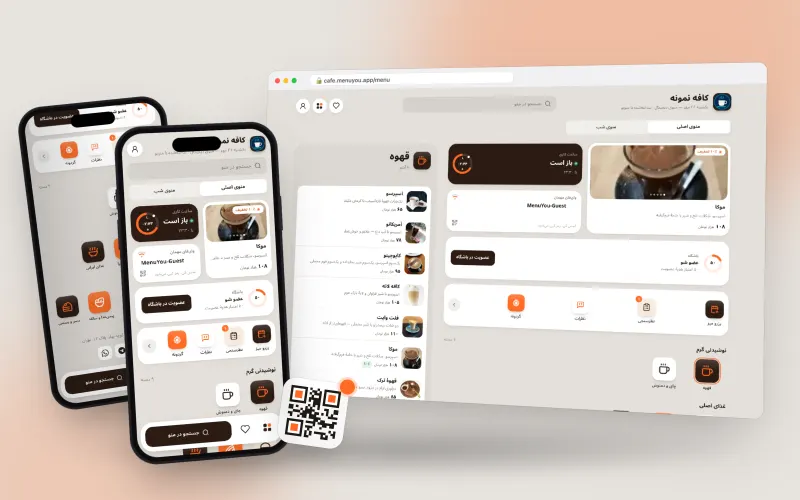
The menu home as a phone home screen, with widgets for today’s special, hours and Wi-Fi.
Made for specialty and modern cafés
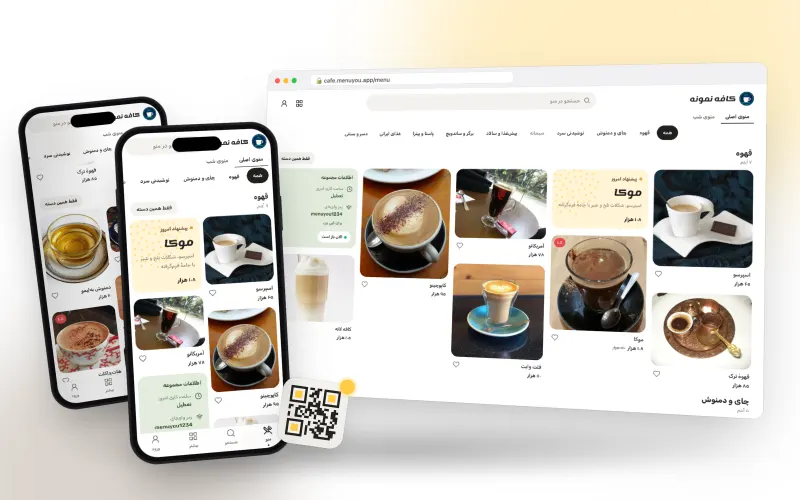
A Pinterest-style masonry of photos, with quick category filters and «more like this».
Made for cafés, brunch spots and venues with appealing photos
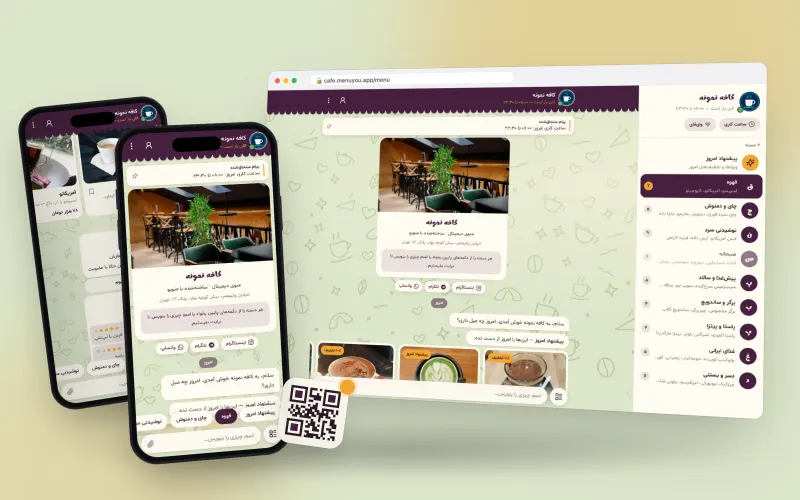
The menu as a chat with the café: today’s special arrives as a message, categories are quick replies.
Made for neighbourhood cafés with a friendly feel
Try it on your own menu
Create an account, publish your menu and see this section running on your real data.
Create your free menu