Pick one theme; the menu and the panel both follow
A theme is not just the colour of the customer menu — the same palette lands on your admin panel too. Tap a theme to swap the live preview, or open its page for the details.
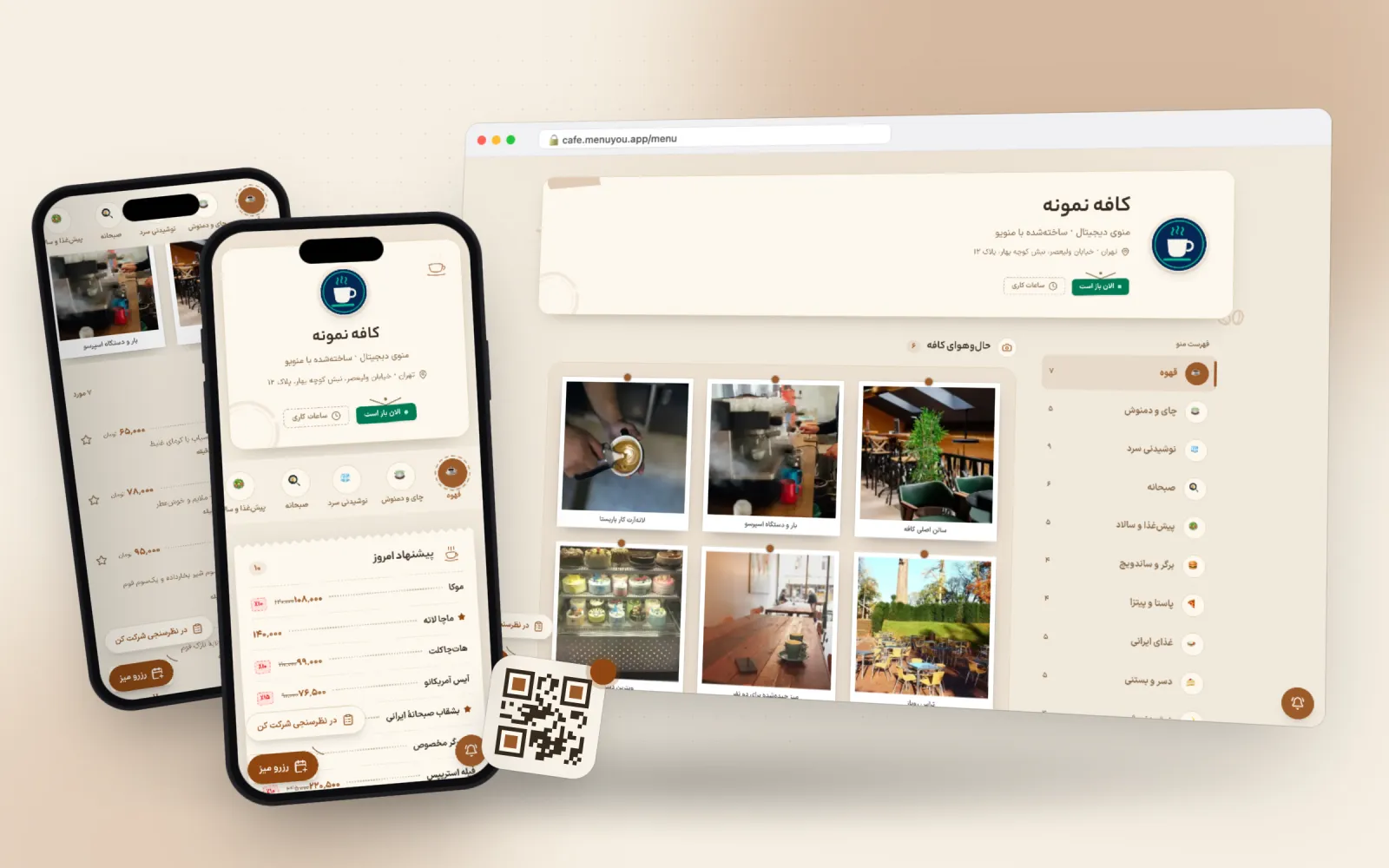 Warm Café·Open this theme
18 themes
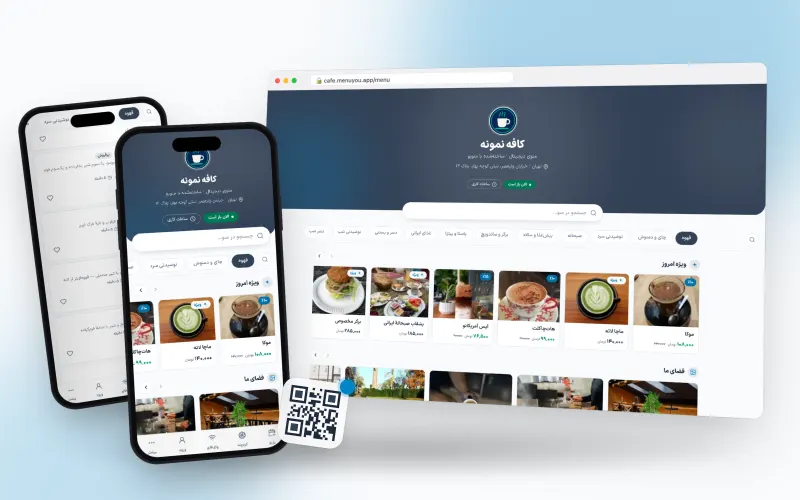
Clean and legible; fits any business.
Made for any business that wants the menu seen, not the template
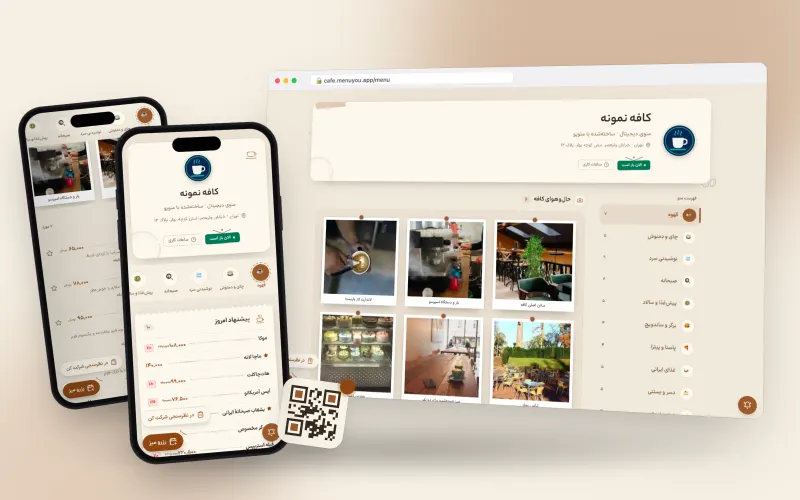
Warm, cozy tones for cafés.
Made for neighbourhood cafés, breakfast spots and hand-brew bars
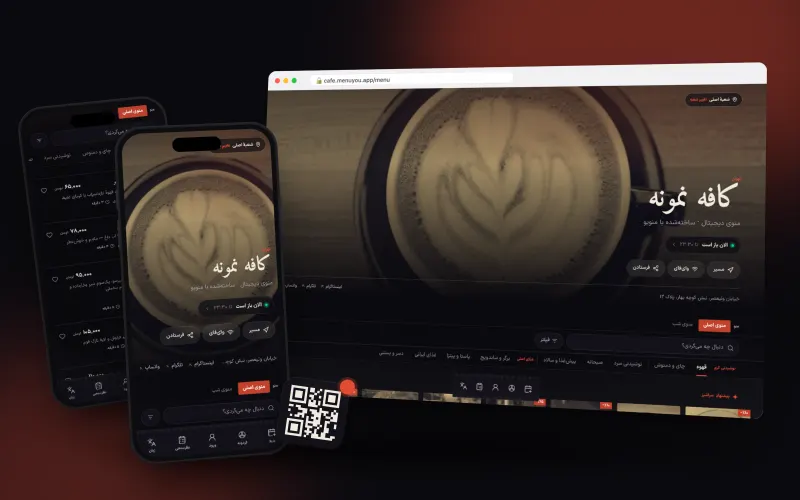
Night ink and vermilion; duotone photos that colour on tap.
Made for dinner restaurants, coffee bars and places with a strong identity
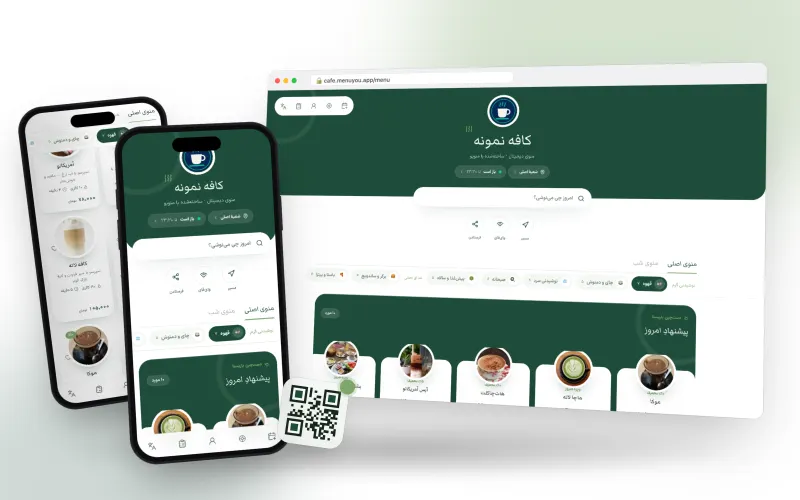
The latte frame in matcha green and tea white.
Made for tea and matcha bars, brunch spots and bright cafés
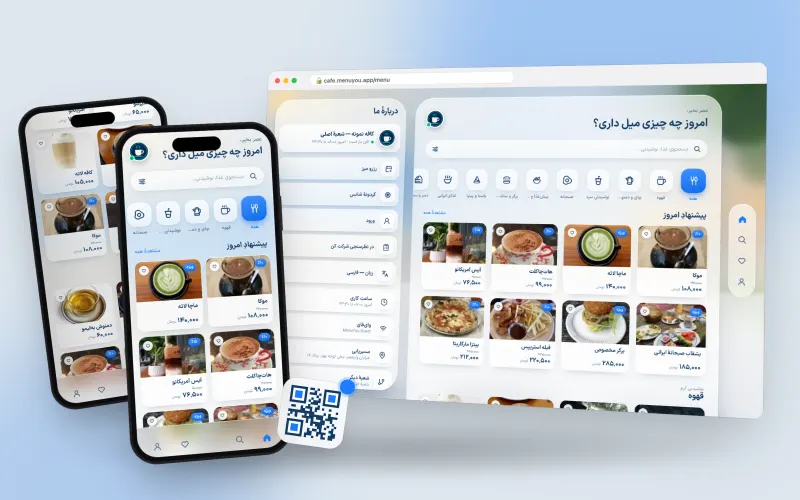
Frosted glass in a sunny room; category tiles and a side cart on desktop.
Made for café-restaurants, fast food and venues that take online orders
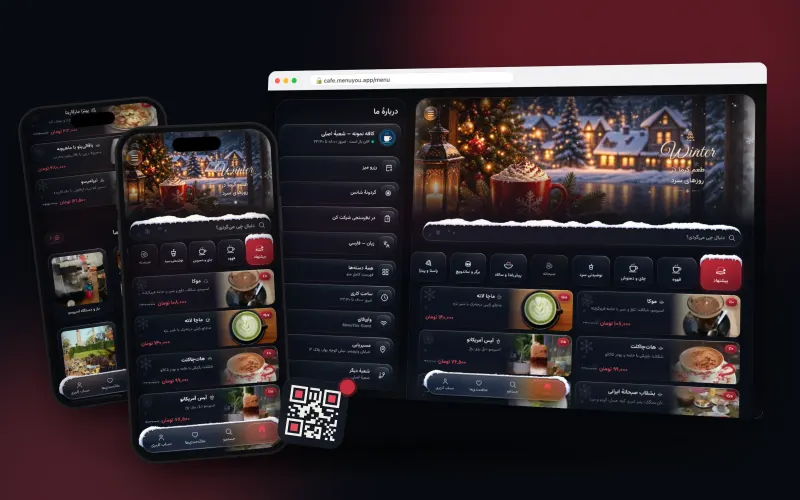
A navy night with quiet snow; photo header and snow-capped tiles.
Made for cosy cafés, winter evenings and photo-rich menus
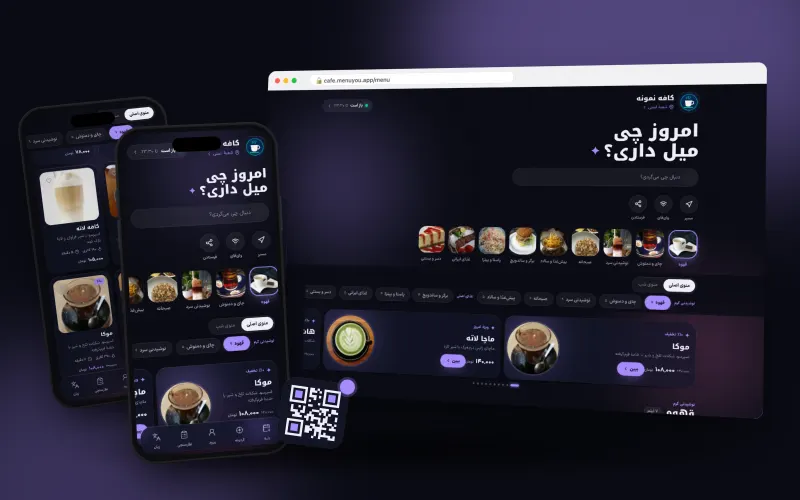
Aurora glass on an indigo night with a violet glow.
Made for dinner restaurants, late-night cafés and young, contemporary brands
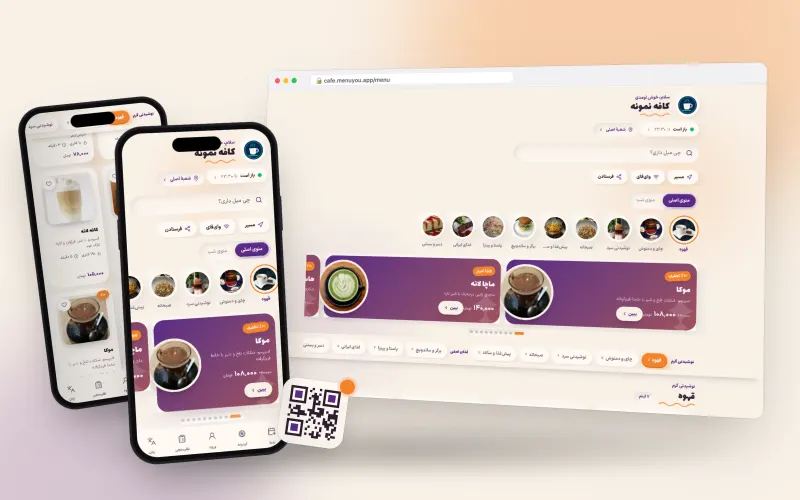
Pastel cream with plum and tangerine; puffy cards and category bubbles.
Made for young cafés, dessert shops and brands with a friendly voice
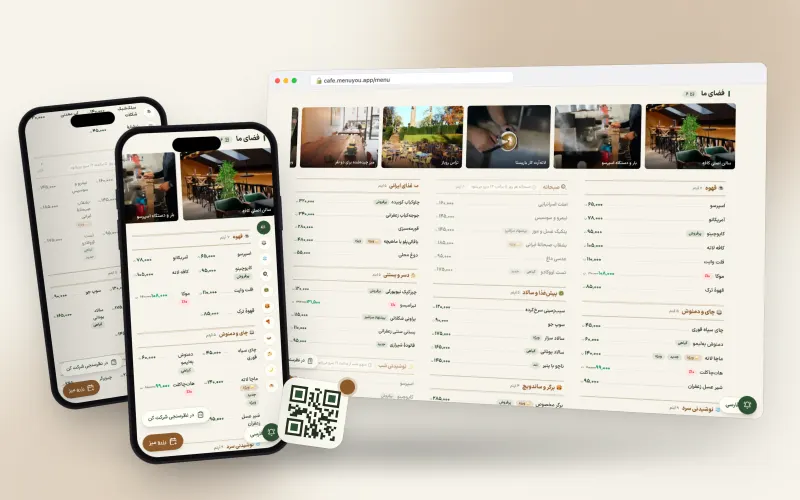
Paper-classic with bottle green; a long menu at a glance.
Made for restaurants with big menus, bistros and eateries with a long list
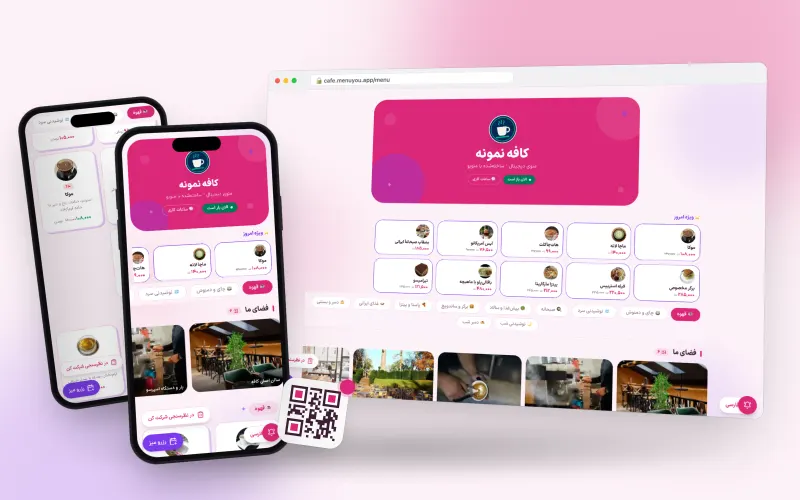
A candy shop of colour; categories as colour blocks, items as stickers and a gumball machine for a cart.
Made for young cafés, ice-cream and dessert shops, student and family spots
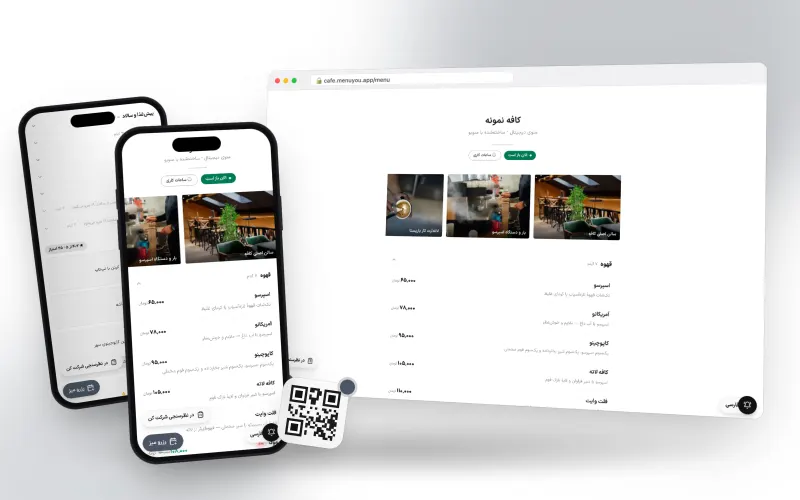
Borderless white; just the menu, nothing extra.
Made for fine dining, specialty coffee and minimal brands
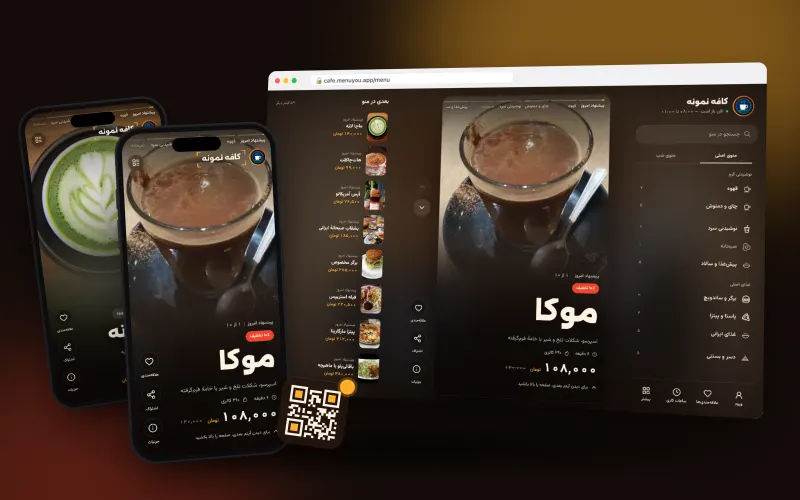
Every dish is a full screen with a cinematic photo and a big name; you flip through like stories.
Made for restaurants and cafés with good photos and a striking menu
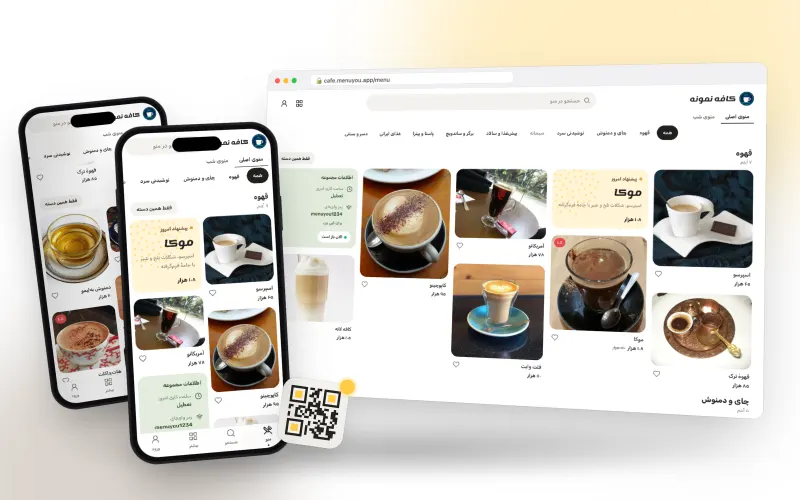
A Pinterest-style masonry of photos, with quick category filters and «more like this».
Made for cafés, brunch spots and venues with appealing photos
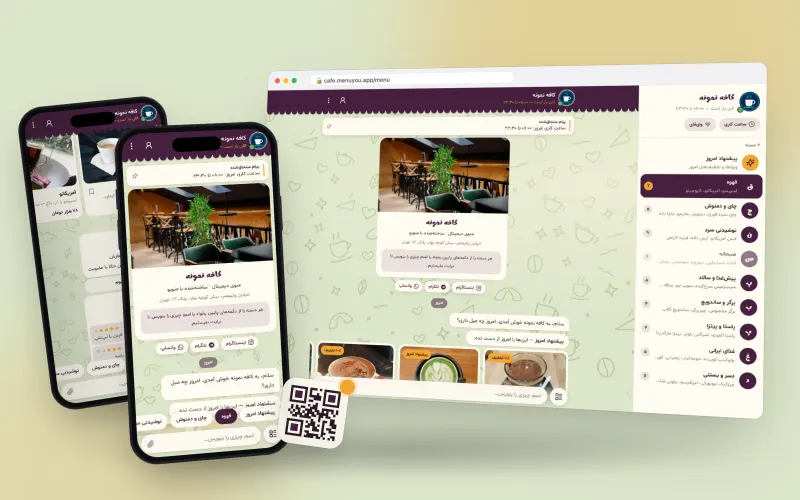
The menu as a chat with the café: today’s special arrives as a message, categories are quick replies.
Made for neighbourhood cafés with a friendly feel
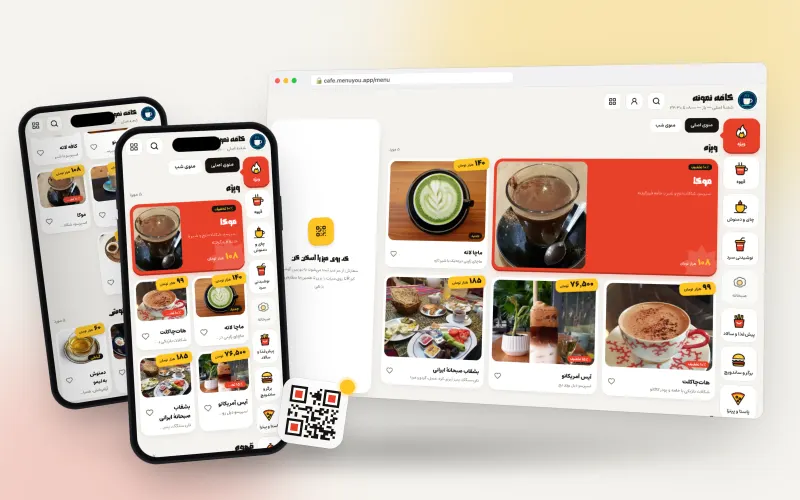
Like a fast-food ordering kiosk: big photo tiles, step-by-step choices and a big order number.
Made for fast food, burger joints and busy cafés
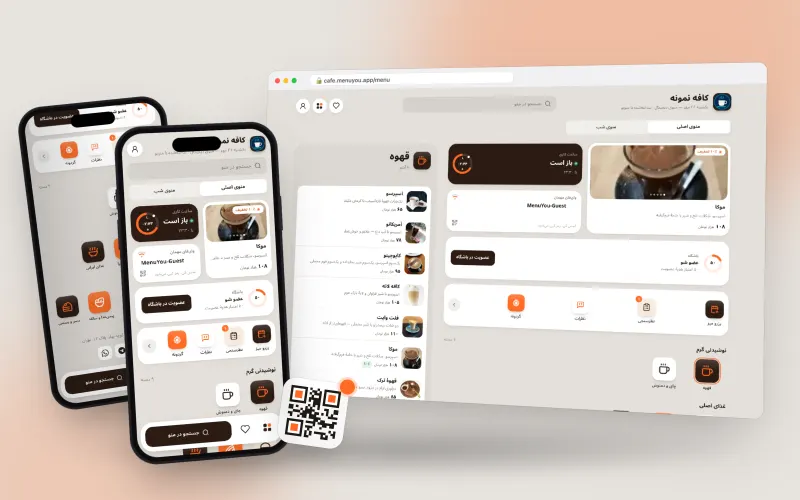
The menu home as a phone home screen, with widgets for today’s special, hours and Wi-Fi.
Made for specialty and modern cafés
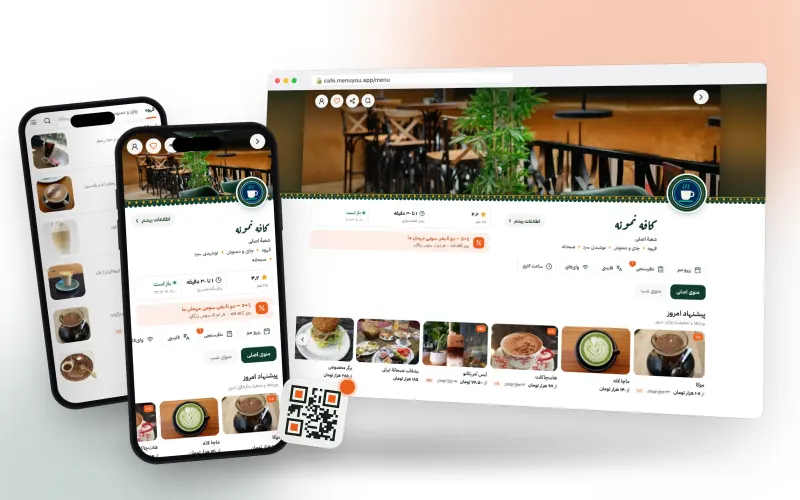
A restaurant page like a food-delivery app, with a ghalamkar border and sticky category tabs.
Made for restaurants and full meals, dine-in or takeaway
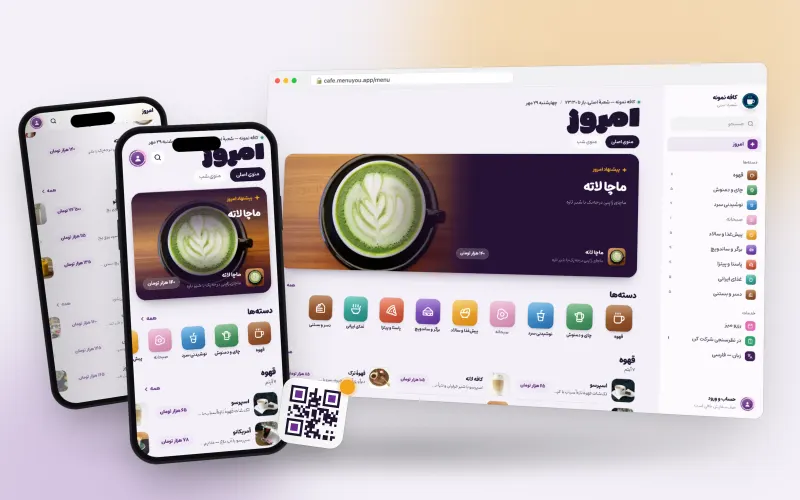
The menu as an app store: a «Today» card, top charts and a price button that fills like a download.
Made for cafés and young brands that want a familiar, polished menu
No theme matches that
Clear the search and browse by category.
One choice, two places
One choice, two places
The theme applies to the guest menu and admin panel at once.
Your own brand colours
Tune any theme’s colours and layout to your brand with a live preview, on every plan.
Mobile-optimized
Every theme is light and fast; it opens smoothly even on weak connections.
Common questions about themes
Can I change the theme later?
Any time. Switching themes only changes the look — your menu, categories, prices and QR codes stay exactly as they are.
Can I adjust the colours?
Yes. Every theme is a starting point: change the primary colour, the accent and the corner radius in theme settings and watch the preview update.
Is a paid theme (basic or pro) a one-time purchase or monthly?
One-time. A theme you buy stays on your account for good, and the free themes are always available.