Matcha green in a calm white frame
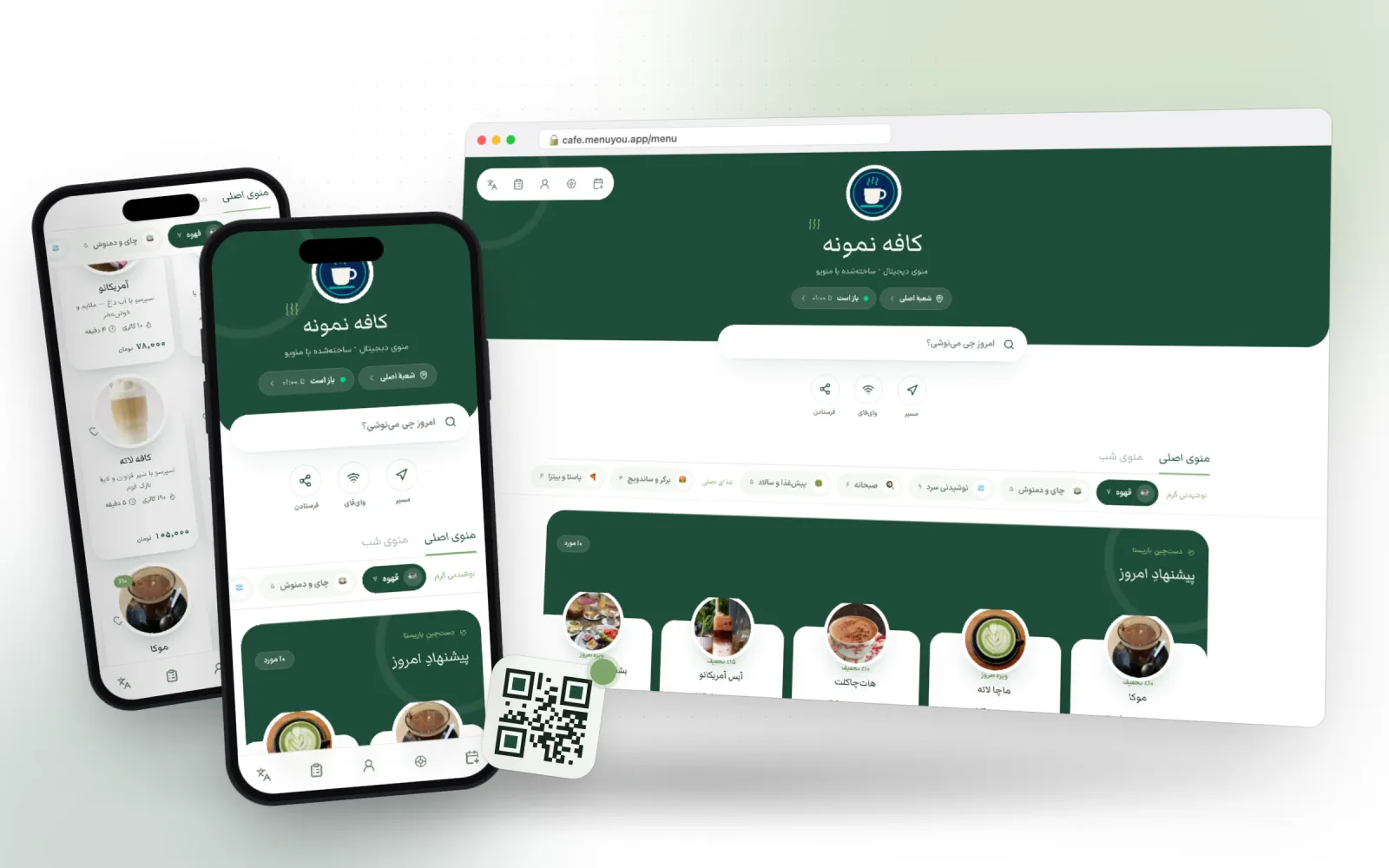
Tea white and matcha green on the latte frame: a green header block with rounded corners above the menu, round photos floating on the cards and serif headings. For a café that wants to look fresh and calm.
Made for tea and matcha bars, brunch spots and bright cafés
 Live preview
- Primary
- Accent
- Background
- Card
- Text
- Line
Not a picture — the menu itself
A real sample café menu in this theme. Switch categories, open an item, add to the cart — exactly what your guest sees after scanning the QR code.
This is a demo; no order or booking is saved.
What makes this theme different
One choice, two places
Customer menu
Colour, corner radius and heading font on the page your guest opens after scanning.
Admin panel
The same palette on your own panel, so working in the product looks like your brand too.
A full-width green header
Your café’s name and logo sit on the green block at the top, with the search box half over its edge; the first thing a guest sees is your café.
Floating round photos
Each item photo sits in a round frame on its card, with a soft matcha-tinted shadow beneath it.
Serif headings, white ground
Headings are set in a soft serif, and the white ground shows drink photos cleanly.
From switching on to first use
- 1
Pick the theme.
- 2
Add your cover image and logo.
- 3
Use bright, well-lit item photos.
Questions about this theme
How is it priced?
A one-time payment; after that it belongs to your account.
Does it pair with dark mode?
Yes. It comes with a night matcha palette, and the dark mode plugin uses it.
Can I change the theme later?
Any time. Switching themes only changes the look — your menu, categories, prices and QR codes stay exactly as they are.
Can I adjust the colours?
Yes. Every theme is a starting point: change the primary colour, the accent and the corner radius in theme settings and watch the preview update.
Themes in the same family
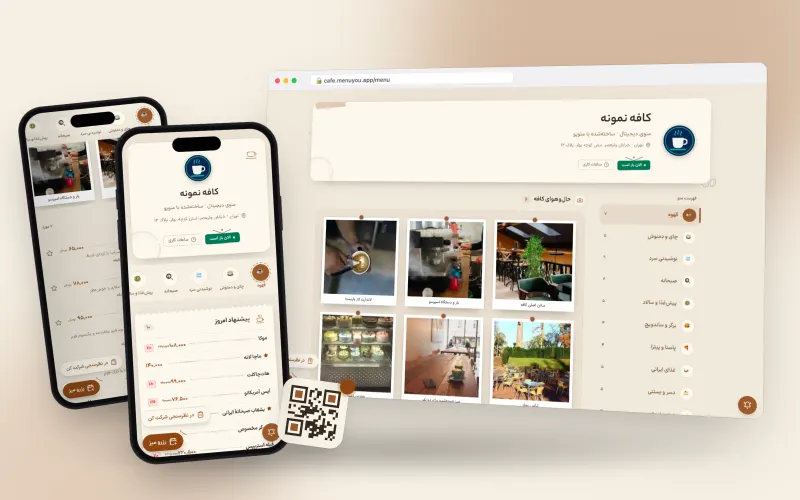
Warm, cozy tones for cafés.
Made for neighbourhood cafés, breakfast spots and hand-brew bars
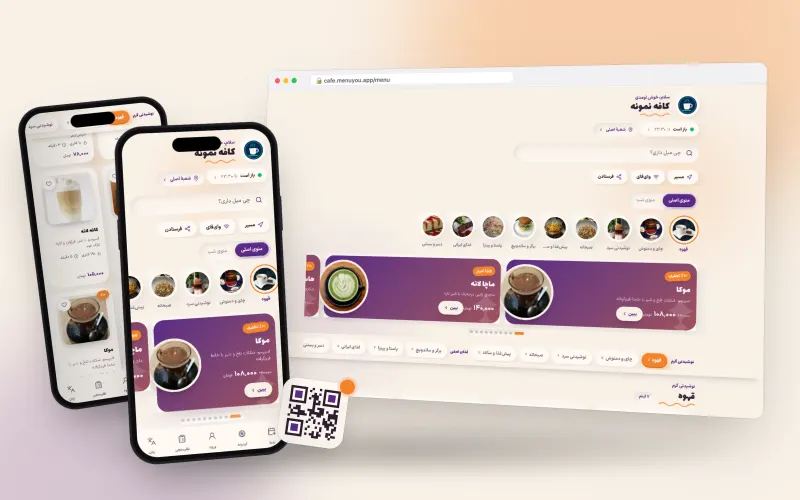
Pastel cream with plum and tangerine; puffy cards and category bubbles.
Made for young cafés, dessert shops and brands with a friendly voice
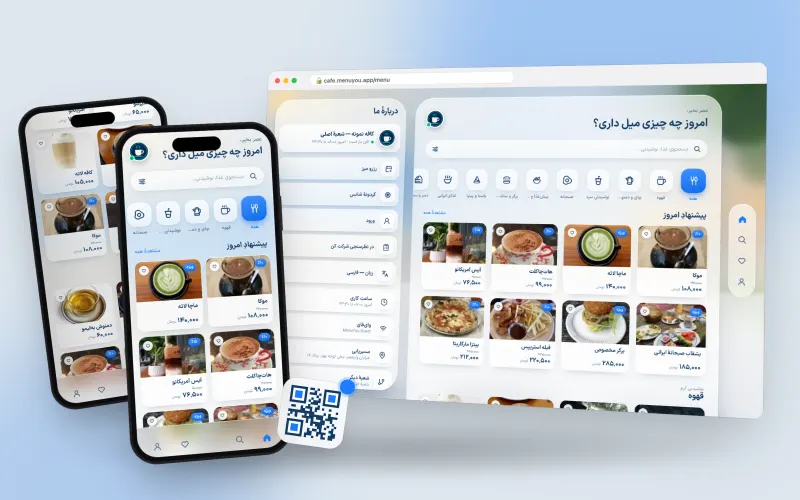
Frosted glass in a sunny room; category tiles and a side cart on desktop.
Made for café-restaurants, fast food and venues that take online orders
Try it on your own menu
Create an account, publish your menu and see this section running on your real data.
Create your free menu