Wood and coffee, on a phone screen
Cream paper, dark roast and a little amber — a palette that came off a wooden café table. A digital menu does not have to feel digital.
Made for neighbourhood cafés, breakfast spots and hand-brew bars
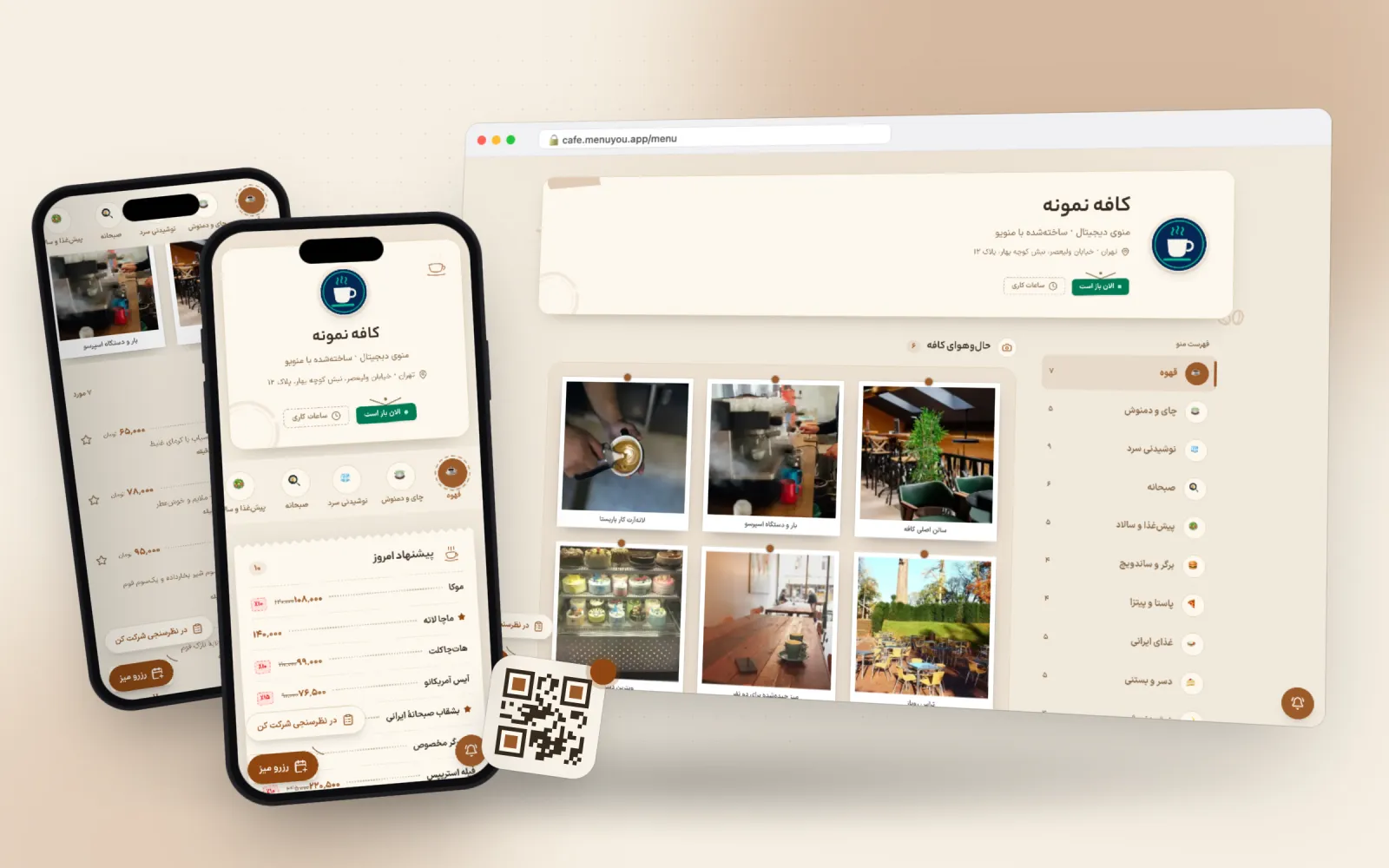 Live preview
- Primary
- Accent
- Background
- Card
- Text
- Line
Not a picture — the menu itself
A real sample café menu in this theme. Switch categories, open an item, add to the cart — exactly what your guest sees after scanning the QR code.
This is a demo; no order or booking is saved.
What makes this theme different
One choice, two places
Customer menu
Colour, corner radius and heading font on the page your guest opens after scanning.
Admin panel
The same palette on your own panel, so working in the product looks like your brand too.
Cream instead of raw white
Easier on the eye in a low-lit room and closer to the colour of wood and coffee.
Softer corners
Rounder cards read warmer — the difference between a ceramic cup and a paper one.
An amber accent
The order button and the price stand out in warm orange without shouting.
From switching on to first use
- 1
Pick the theme.
- 2
Use warm-lit photography for the categories.
- 3
Check your logo against the cream background.
Questions about this theme
Is it free?
Yes, it is one of the free themes.
Does it pair with dark mode?
Yes. The dark mode plugin builds its night palette from these colours.
Can I change the theme later?
Any time. Switching themes only changes the look — your menu, categories, prices and QR codes stay exactly as they are.
Can I adjust the colours?
Yes. Every theme is a starting point: change the primary colour, the accent and the corner radius in theme settings and watch the preview update.
Themes in the same family
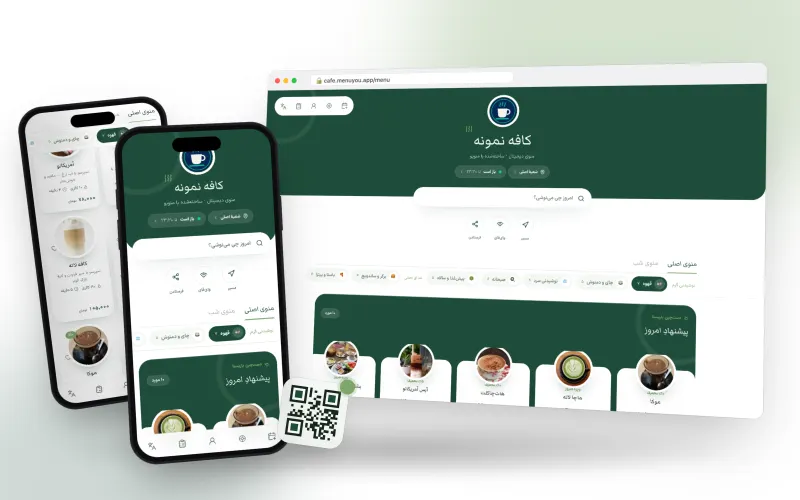
The latte frame in matcha green and tea white.
Made for tea and matcha bars, brunch spots and bright cafés
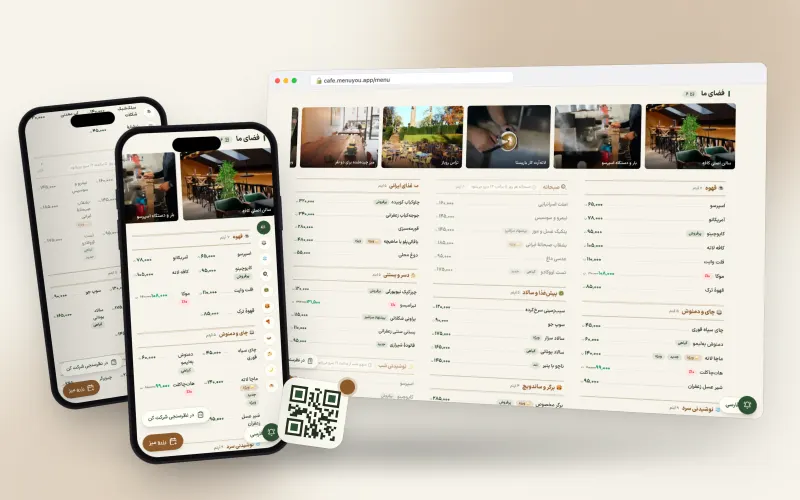
Paper-classic with bottle green; a long menu at a glance.
Made for restaurants with big menus, bistros and eateries with a long list
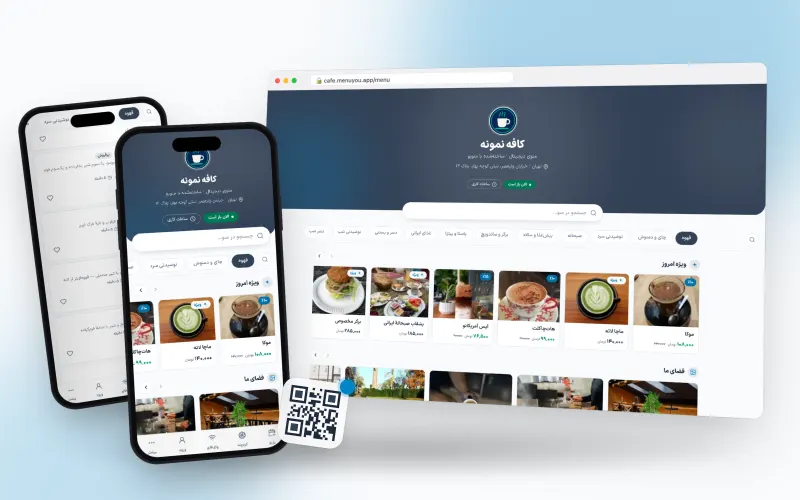
Clean and legible; fits any business.
Made for any business that wants the menu seen, not the template
Try it on your own menu
Create an account, publish your menu and see this section running on your real data.
Create your free menu