A theme that shows the menu, not itself
Neutral is not the same as characterless. This theme deliberately steps back so the item name and the price are the first things you see — then you drop your own brand colour on top.
Made for any business that wants the menu seen, not the template
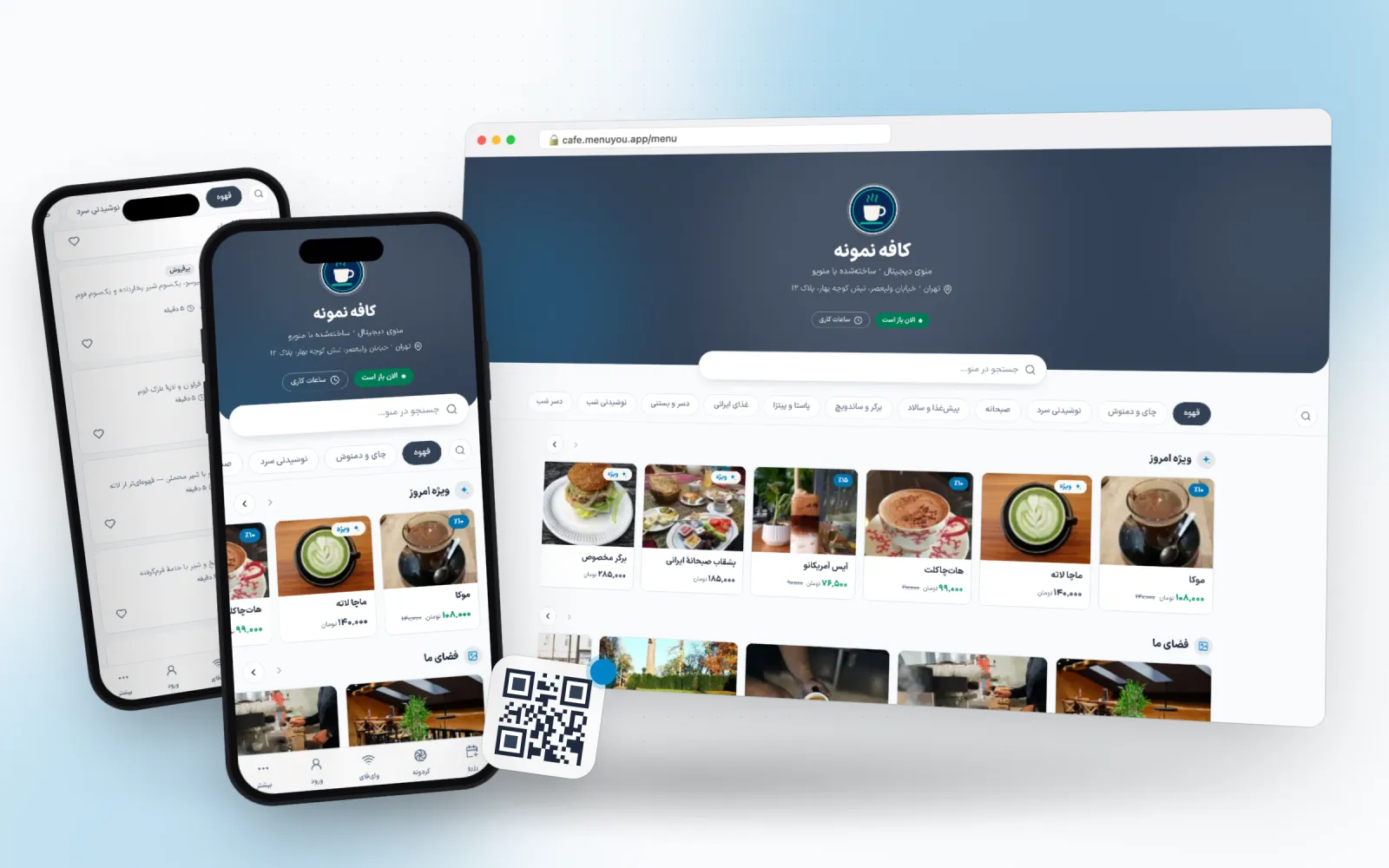 Live preview
- Primary
- Accent
- Background
- Card
- Text
- Line
Not a picture — the menu itself
A real sample café menu in this theme. Switch categories, open an item, add to the cart — exactly what your guest sees after scanning the QR code.
This is a demo; no order or booking is saved.
What makes this theme different
One choice, two places
Customer menu
Colour, corner radius and heading font on the page your guest opens after scanning.
Admin panel
The same palette on your own panel, so working in the product looks like your brand too.
Readability first
High contrast, generous spacing and a price you find at a glance, even in a dim room.
A neutral ground for photos
Cool white and grey show food photography as it is, without tinting it.
A good place to start customising
Change the primary colour to your brand and the rest of the theme falls in line.
From switching on to first use
- 1
Pick the theme.
- 2
Change the primary colour to your brand.
- 3
Add your logo and cover image.
Questions about this theme
Does it suit restaurants?
Yes. It is neutral enough for any trade; just change the primary colour.
Is it free?
Yes, and it stays free.
Can I change the theme later?
Any time. Switching themes only changes the look — your menu, categories, prices and QR codes stay exactly as they are.
Can I adjust the colours?
Yes. Every theme is a starting point: change the primary colour, the accent and the corner radius in theme settings and watch the preview update.
Themes in the same family
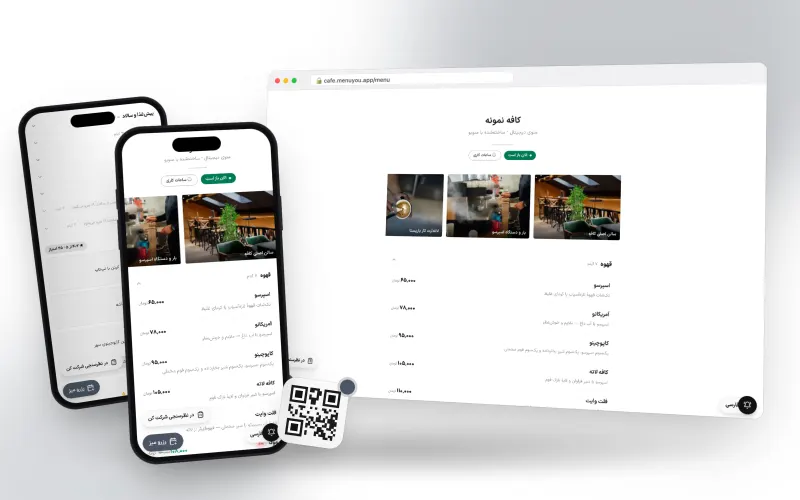
Borderless white; just the menu, nothing extra.
Made for fine dining, specialty coffee and minimal brands
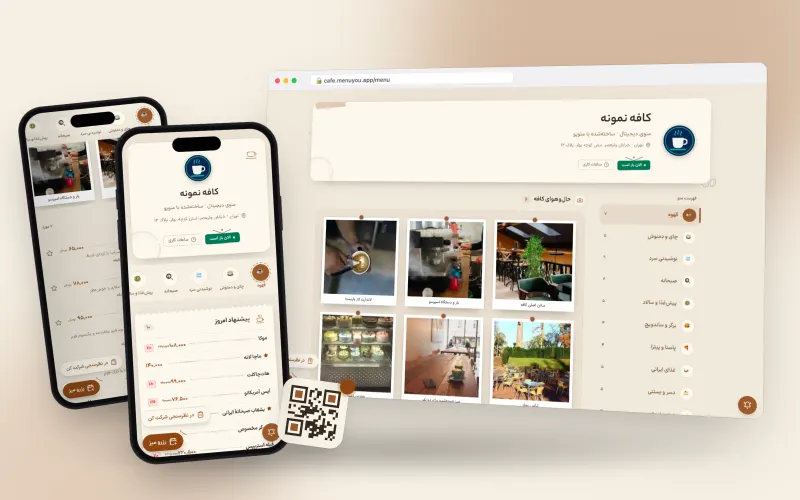
Warm, cozy tones for cafés.
Made for neighbourhood cafés, breakfast spots and hand-brew bars
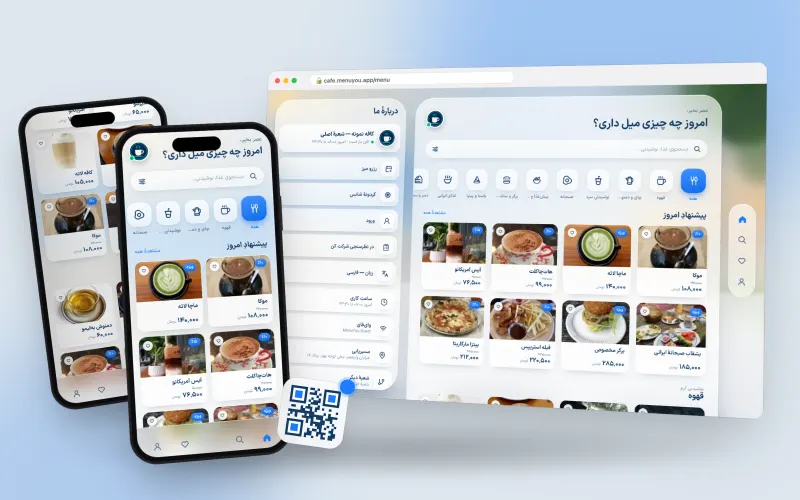
Frosted glass in a sunny room; category tiles and a side cart on desktop.
Made for café-restaurants, fast food and venues that take online orders
Try it on your own menu
Create an account, publish your menu and see this section running on your real data.
Create your free menu