A menu like a candy shop
Every category is a candy-coloured block and every item a white-edged sticker with its price tag stuck on the photo. Categories sit in a row of jelly beans at the top, and the cart is a gumball machine that drops a ball in the category’s colour with every item.
Made for young cafés, ice-cream and dessert shops, student and family spots
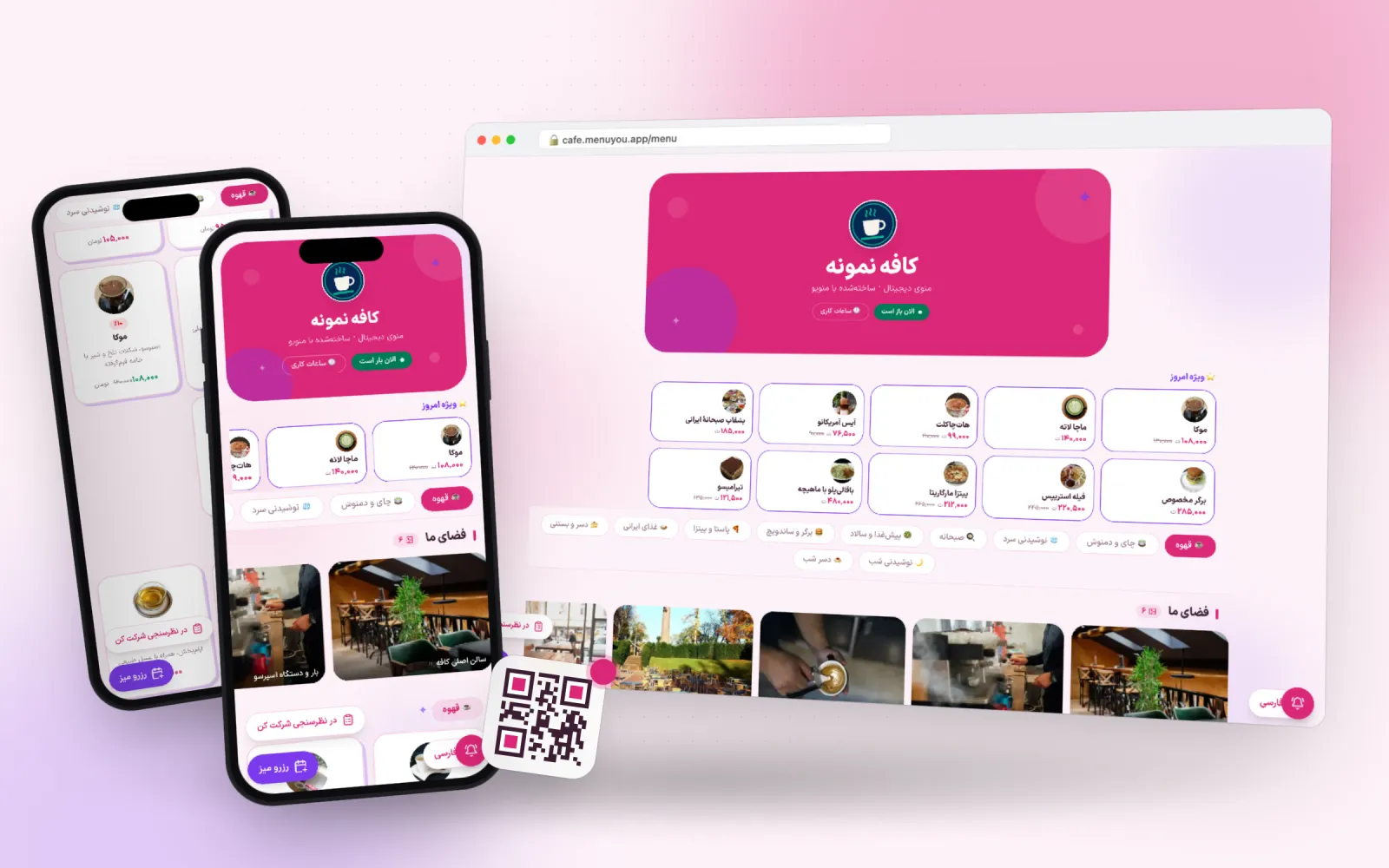 Live preview
- Primary
- Accent
- Background
- Card
- Text
- Line
Not a picture — the menu itself
A real sample café menu in this theme. Switch categories, open an item, add to the cart — exactly what your guest sees after scanning the QR code.
This is a demo; no order or booking is saved.
What makes this theme different
One choice, two places
Customer menu
Colour, corner radius and heading font on the page your guest opens after scanning.
Admin panel
The same palette on your own panel, so working in the product looks like your brand too.
A jelly-bean bar
Each category is a coloured bean; the current one opens up with its name, and you can slide a finger across them.
A gumball machine for a cart
A gumball machine stands in the corner, fills up with every item and shows the cart total beside it.
Full settings
You set the block colours and shapes, sticker layout, photo shape, today’s pick, heading font, motion and the home page sections yourself.
From switching on to first use
- 1
Pick the theme.
- 2
Use colourful, cheerful photos for items.
- 3
Tune block colours and sticker shapes in the theme settings.
Questions about this theme
Does it suit a formal venue?
Honestly, no. For a formal setting Minimal or Bistro are better fits.
What if I have several branches?
On the home page, tapping «menu» first asks which branch’s menu the guest wants.
How is it priced?
You pay once and it belongs to your account for good.
Can I change the theme later?
Any time. Switching themes only changes the look — your menu, categories, prices and QR codes stay exactly as they are.
Can I adjust the colours?
Yes. Every theme is a starting point: change the primary colour, the accent and the corner radius in theme settings and watch the preview update.
Themes in the same family
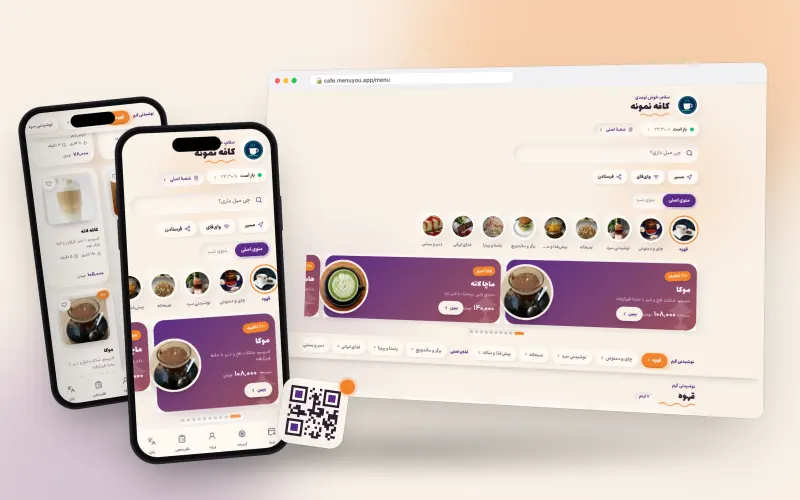
Pastel cream with plum and tangerine; puffy cards and category bubbles.
Made for young cafés, dessert shops and brands with a friendly voice
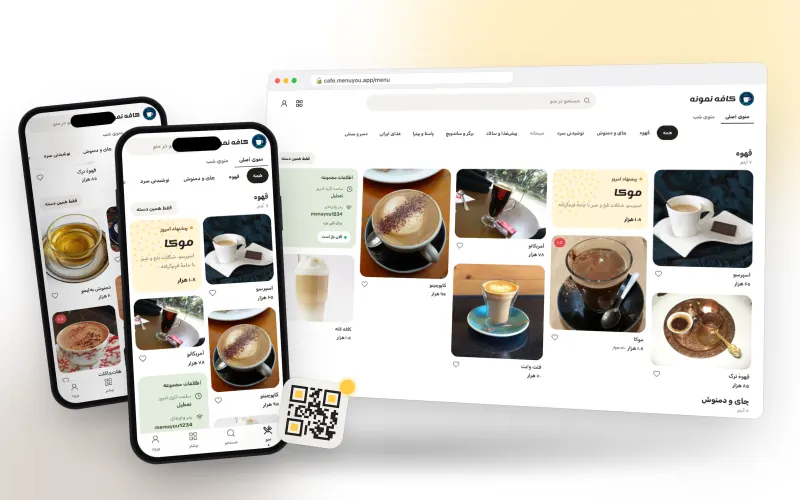
A Pinterest-style masonry of photos, with quick category filters and «more like this».
Made for cafés, brunch spots and venues with appealing photos
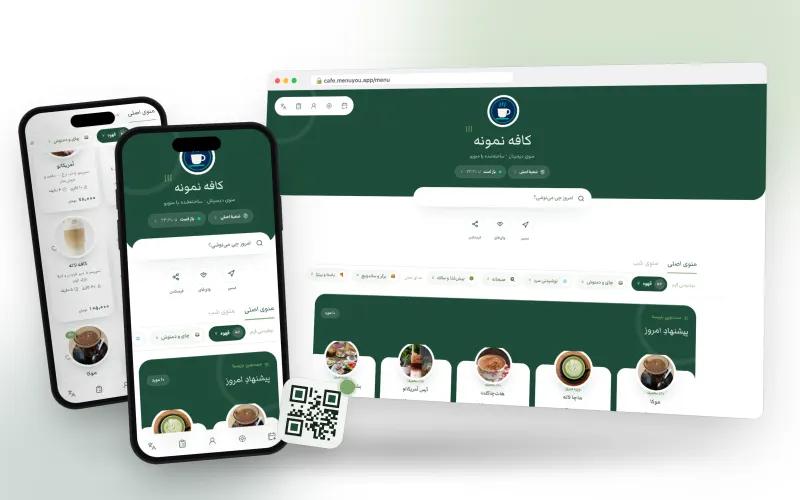
The latte frame in matcha green and tea white.
Made for tea and matcha bars, brunch spots and bright cafés
Try it on your own menu
Create an account, publish your menu and see this section running on your real data.
Create your free menu